JSON Beautifier
Format, repair & explore JSON from your menu bar
Paste messy, minified or even broken JSON and get clean, readable output in one click. JSON Beautifier fixes comments, quotes and missing commas, right from your Mac's menu bar.
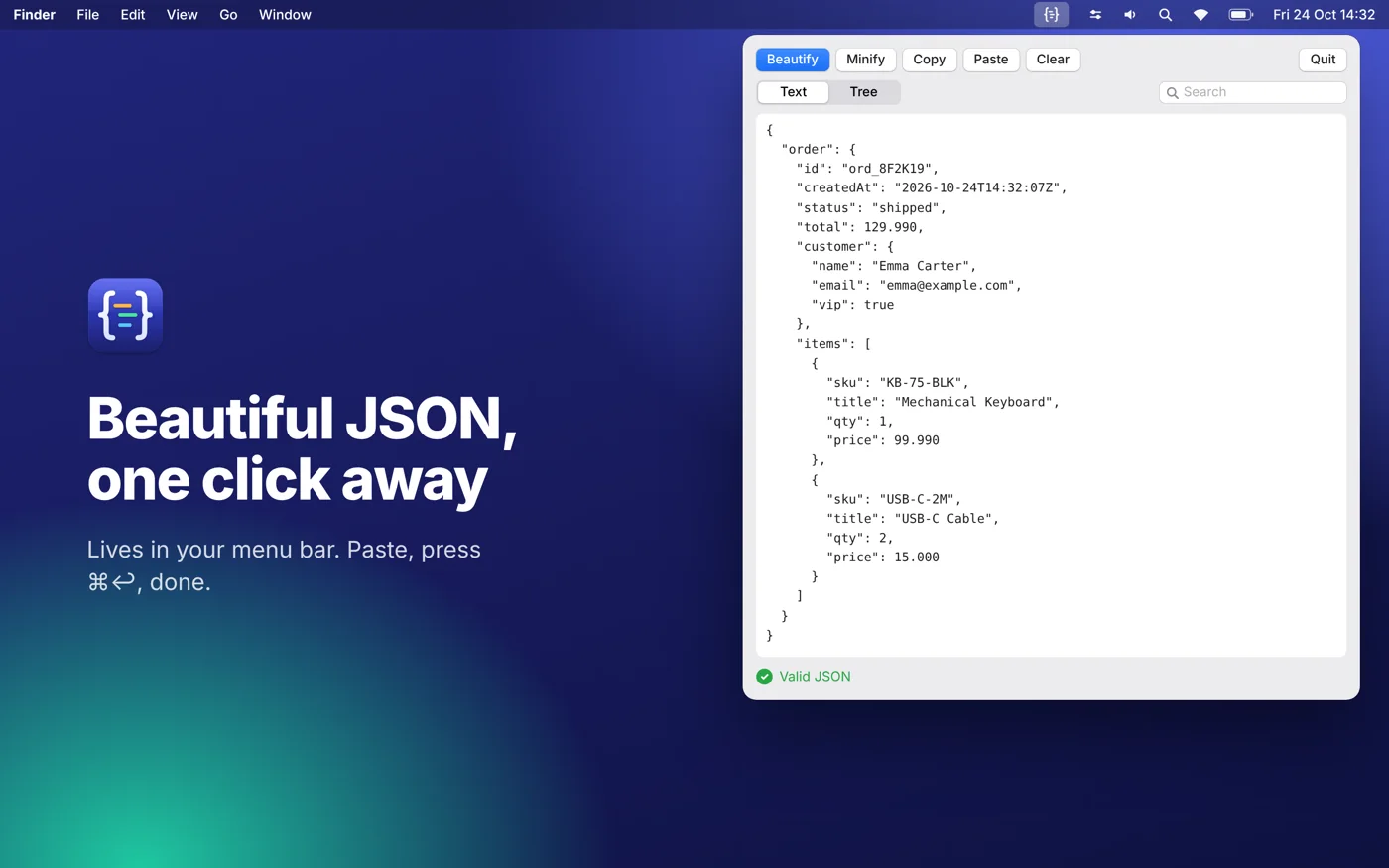
Click { } in the menu bar, paste, press Cmd+Return. That's it. No windows to manage, no browser tabs, and no pasting sensitive data into websites: JSON Beautifier works completely offline, so your JSON never leaves your Mac. Made for developers, testers, data analysts and anyone who works with APIs, config files and logs.
What you get
- Lives in your menu bar: one click opens a compact panel with Beautify, Minify, Copy, Paste and Clear. No Dock icon, no clutter
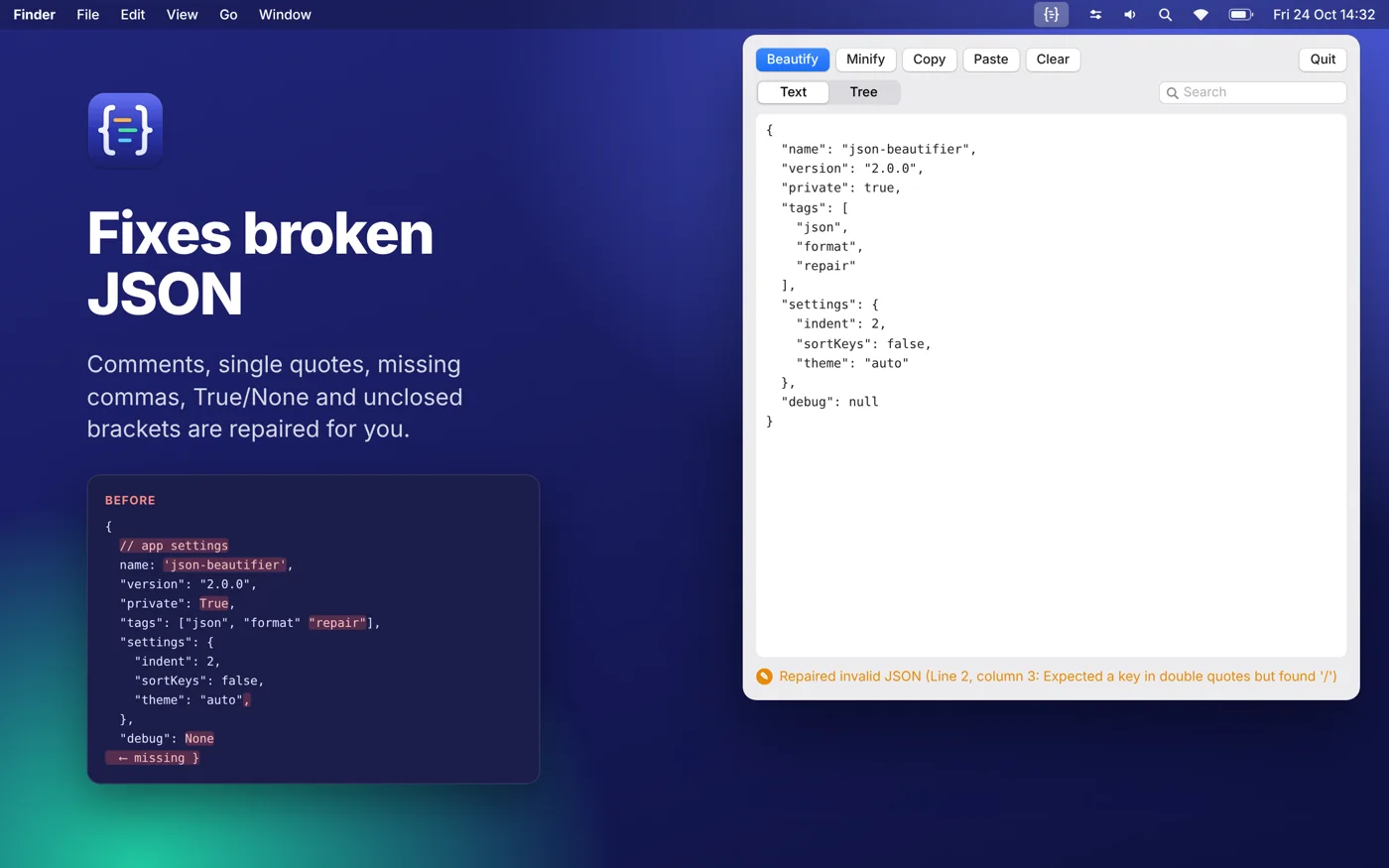
- Repairs broken JSON and tells you what it fixed: comments, trailing or missing commas, single and smart quotes, unquoted keys, Python-style True / False / None, unclosed brackets and stringified JSON
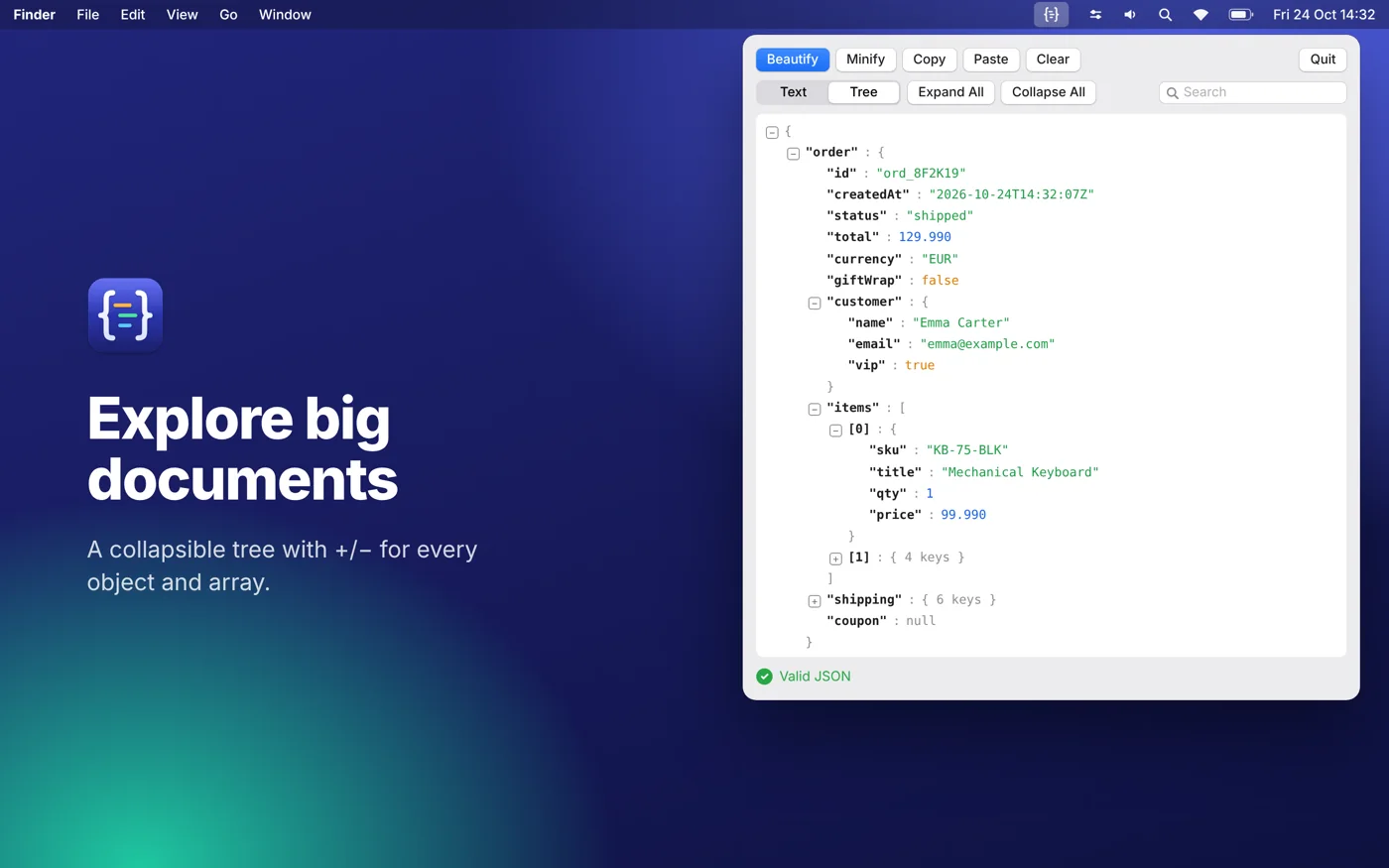
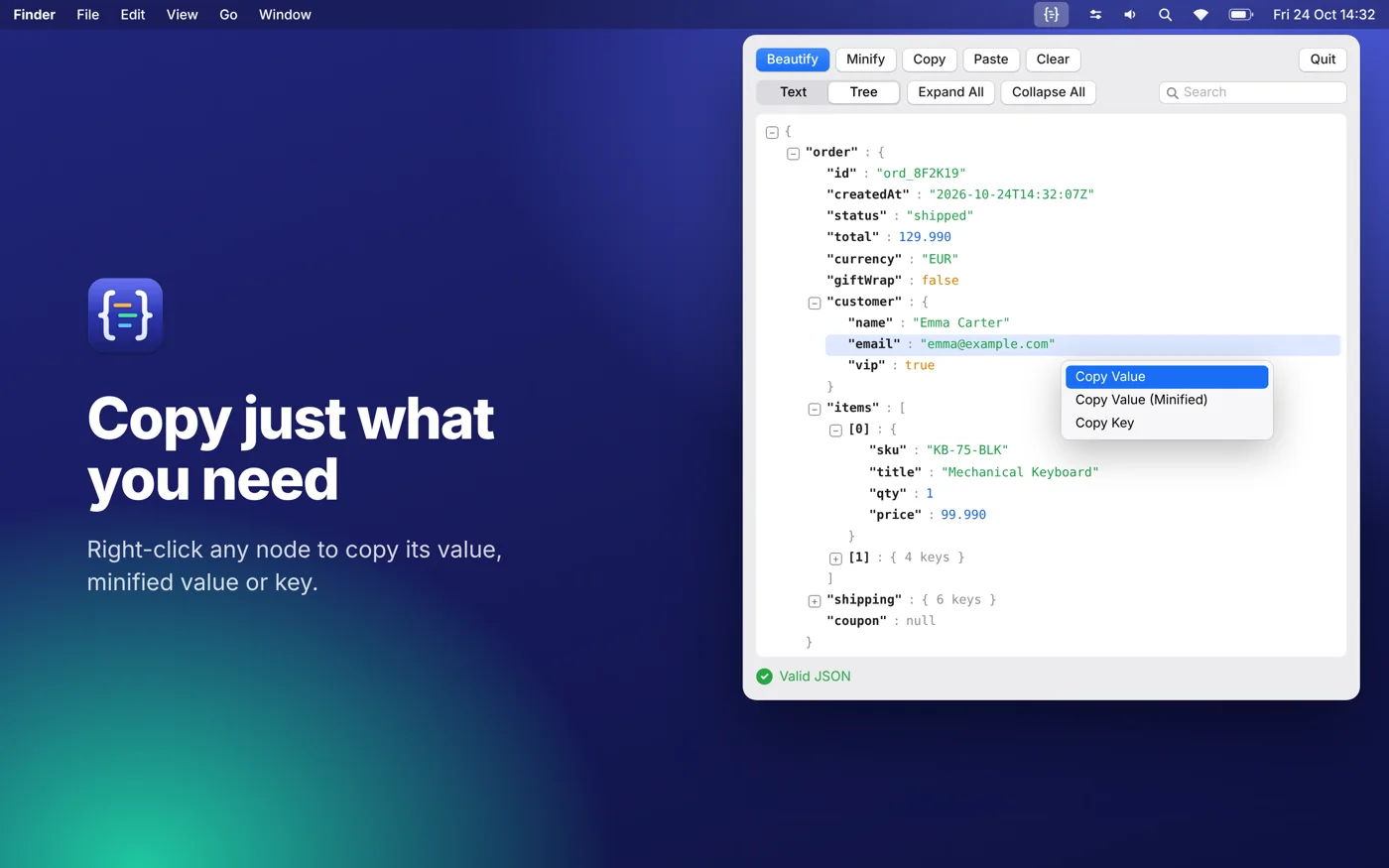
- Collapsible tree view: open or close any object or array with +/-, or use Expand All and Collapse All. Collapsed nodes show how many keys or items they hold
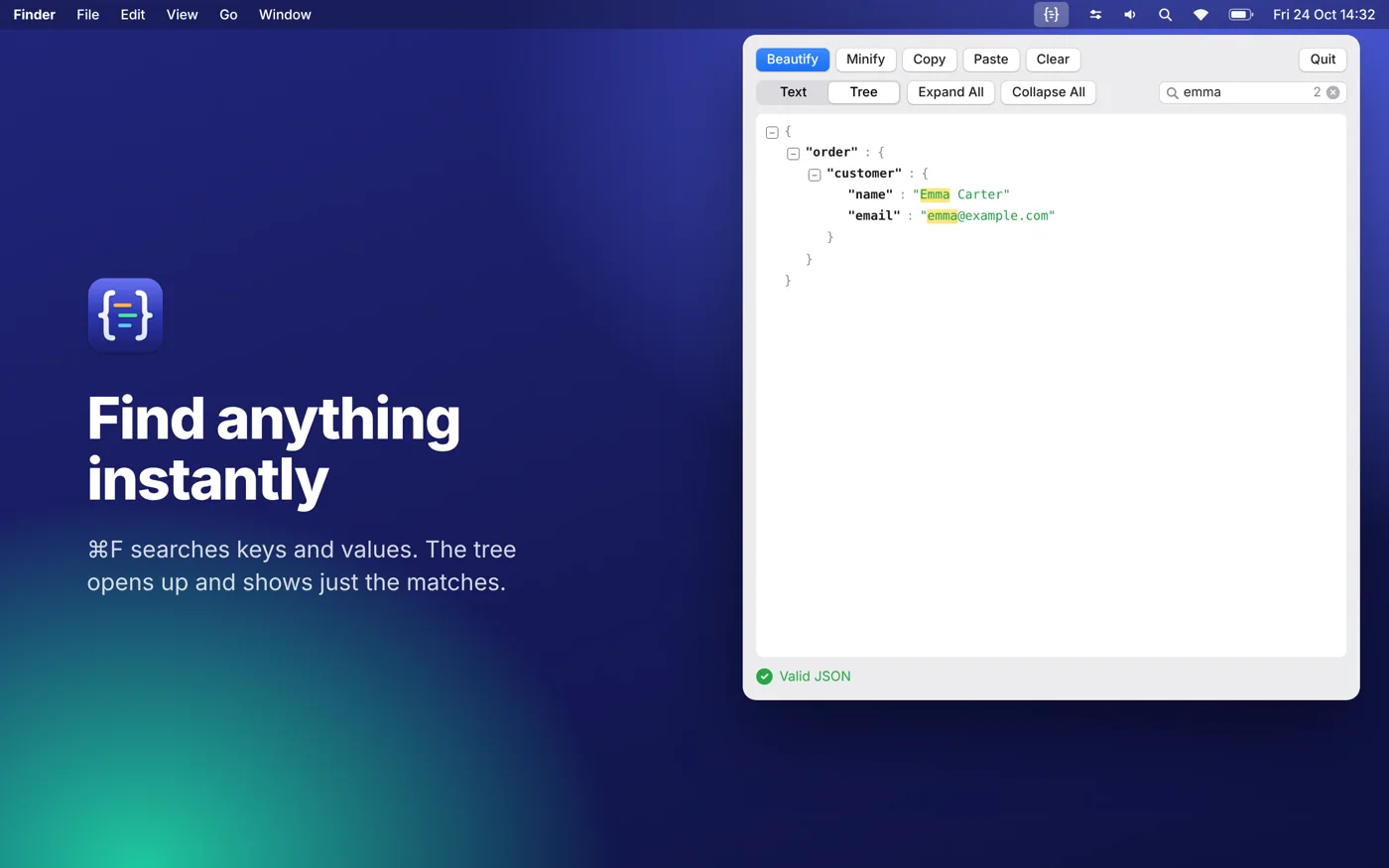
- Search with Cmd+F: the tree shows only the matching keys and values and the path to them, opened up and highlighted
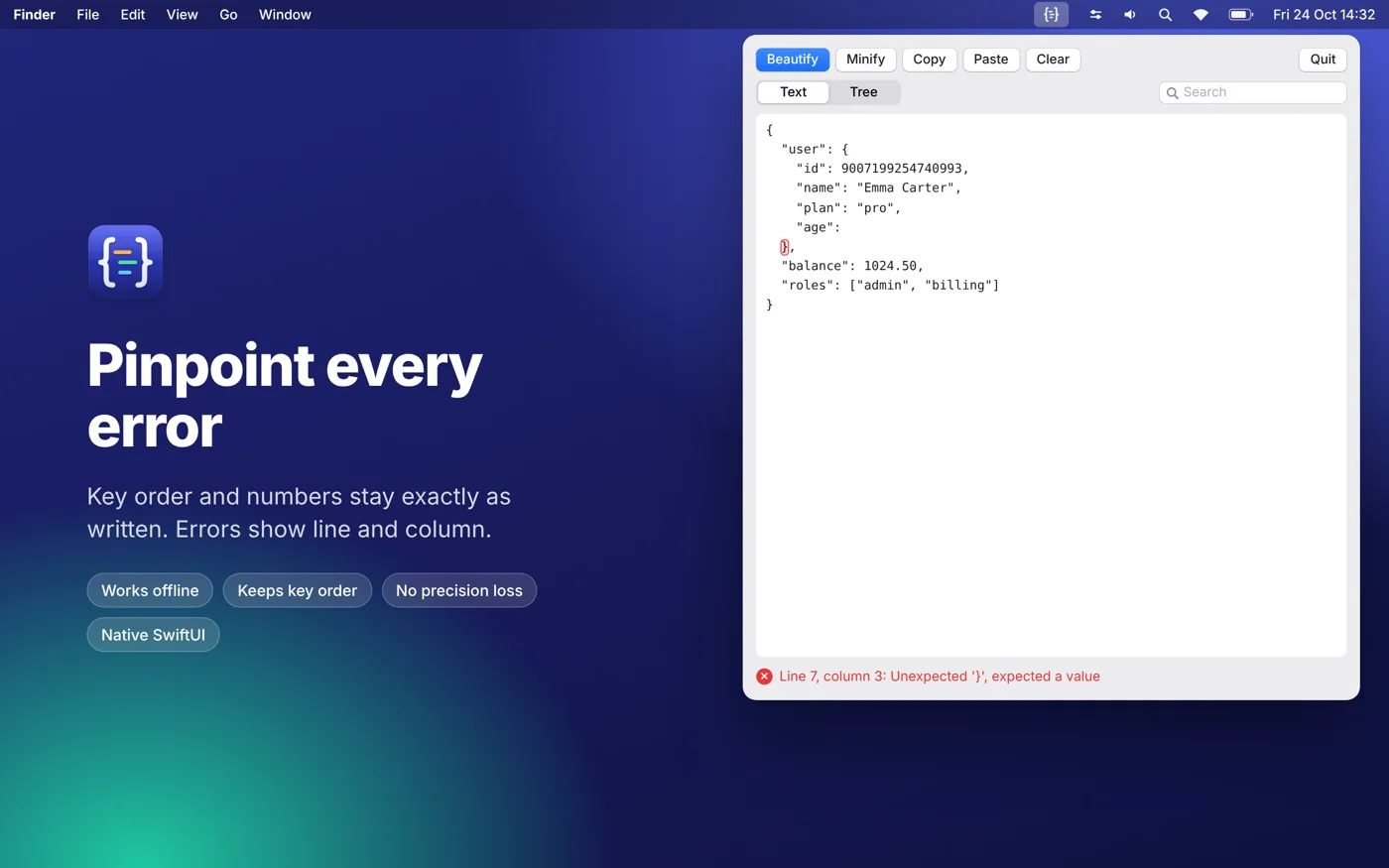
- Line numbers in the editor; an error it cannot fix is shown with its line and column, and that line is highlighted
- Right-click any node to copy its value, a minified version of it, or its key
- Accurate by design: key order stays exactly as written, and numbers stay exactly as written (129.990 stays 129.990, big IDs never lose precision)
- Works completely offline. No account, no tracking, your JSON never leaves your Mac
- Native SwiftUI app for macOS 14 or later. The interface is in English
Requirements
Version 2.0. Requires macOS 14 Sonoma or later. The app opens from the { } icon in the menu bar and has no Dock icon; use the Quit button in the panel to close it.